Mad Max : Desktop
About the game
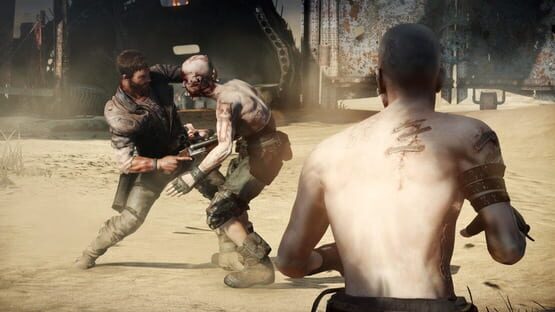
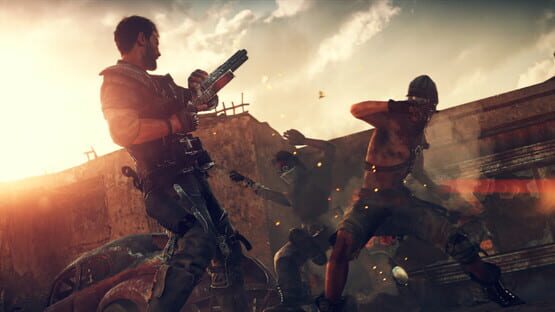
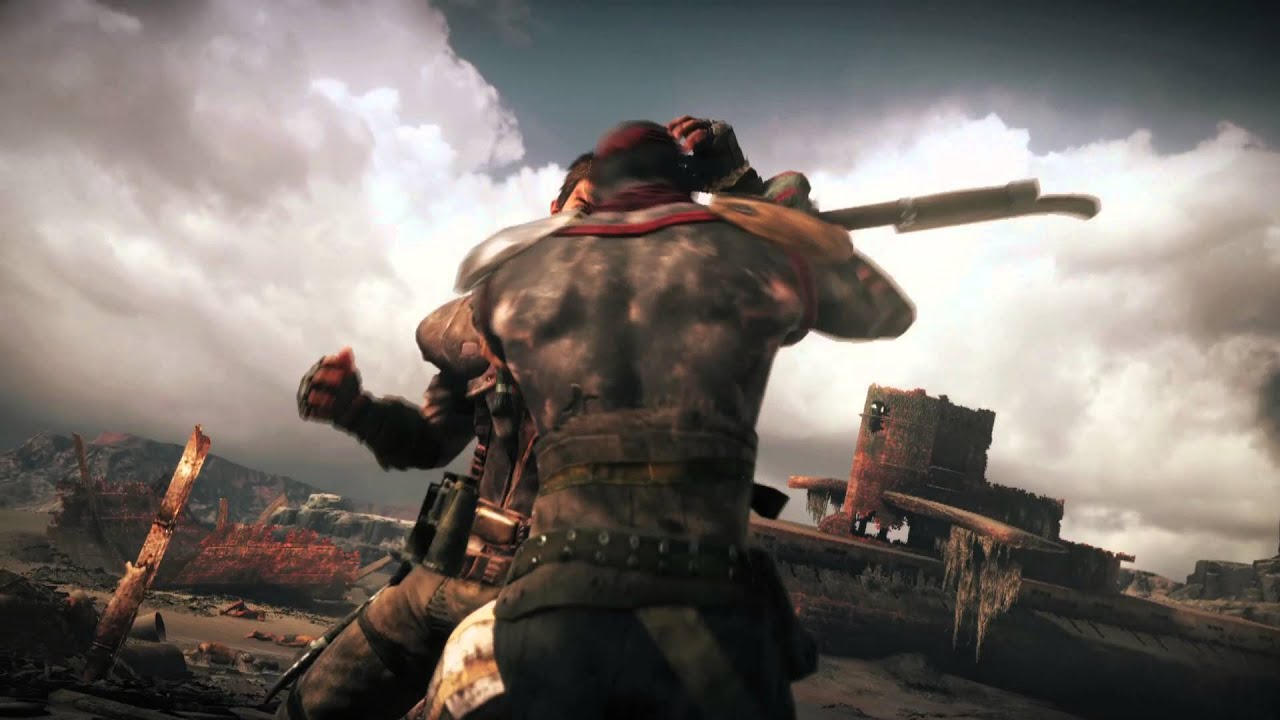
In Mad Max, the player takes on the role of titular character Mad Max; a dangerous melee fighter and can use his attacks to kill almost anyone. His weapon of choice is his shotgun. He is assisted by another man called Chumbucket. Chum mainly works with Max to build and upgrade the Magnum Opus vehicle.
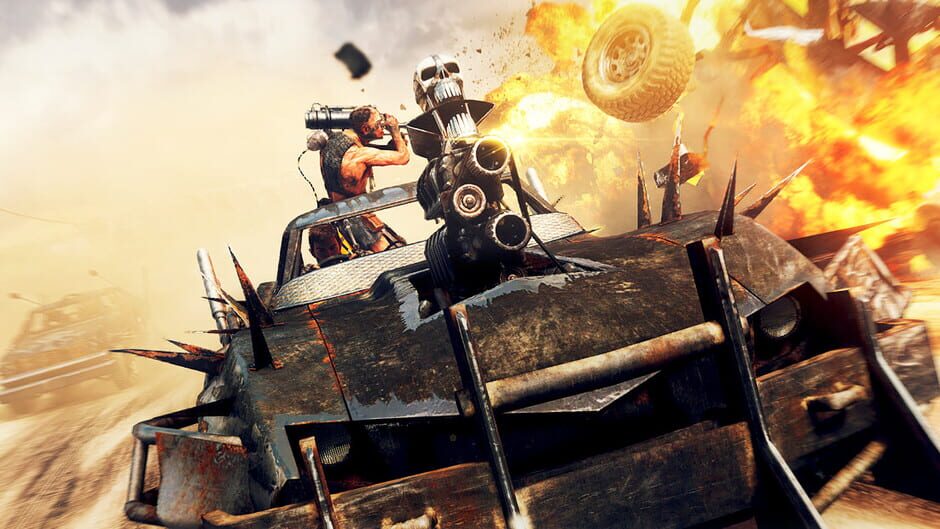
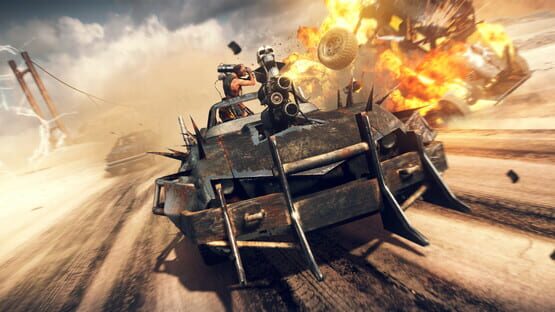
Mad Max will feature a variety of weapons which Max can use to defeat enemies. Though the shotgun is Max's weapon of choice, ammo is scarce, and so melee options are the smarter way to go. The 'thunderstick' is an explosive weapon that can be lanced into an enemy's chest, crackling like a lit dynamite fuse before blowing the victim to smithereens. The Harpoon is also one of Max's favorite weapon though it can only be used in-vehicle with Chum riding along. Max's Magnum Opus can be combined with a speedy V12 engine and powerful ramming ability to destroy enemies's vehicles and weaponry. When simultaneously driving and aiming, the game enters slow-motion and allows you to toggle between targets. Not much is known about the vehicular combat and its features.
Read the story ▾
Max must traverse a barren desert wasteland in search for his lost treasured vehicle, the Pursuit Special (also referred to as The Interceptor).

How you get it
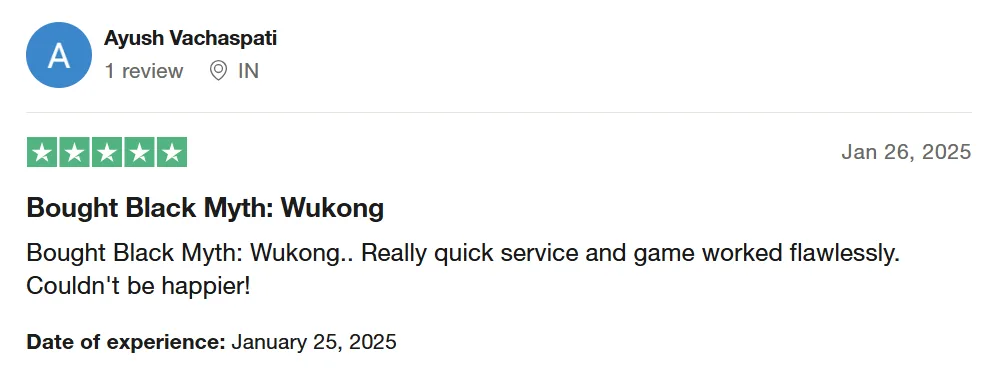
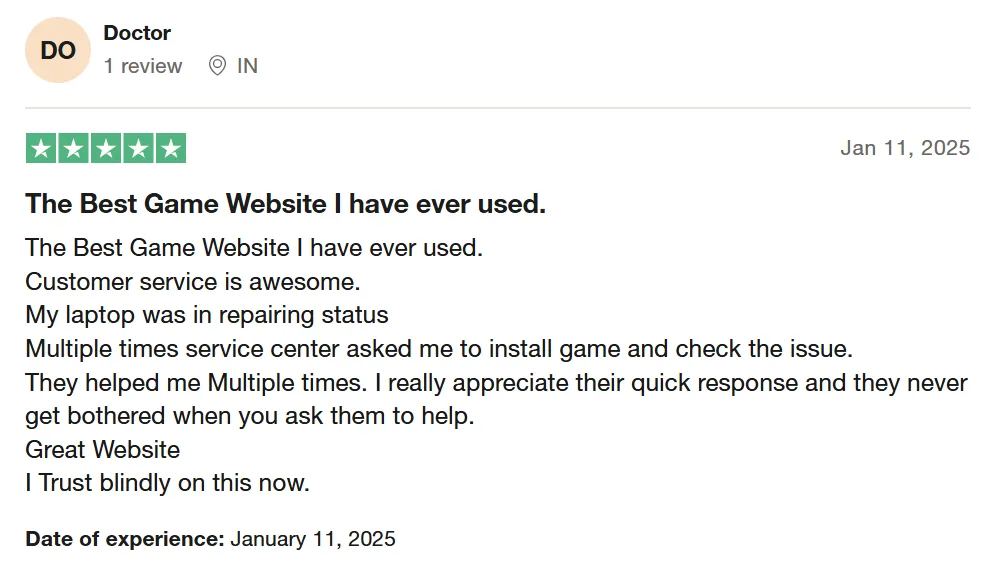
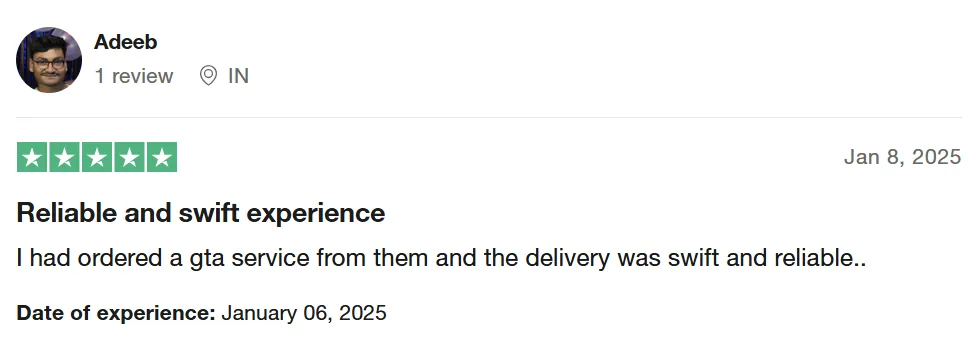
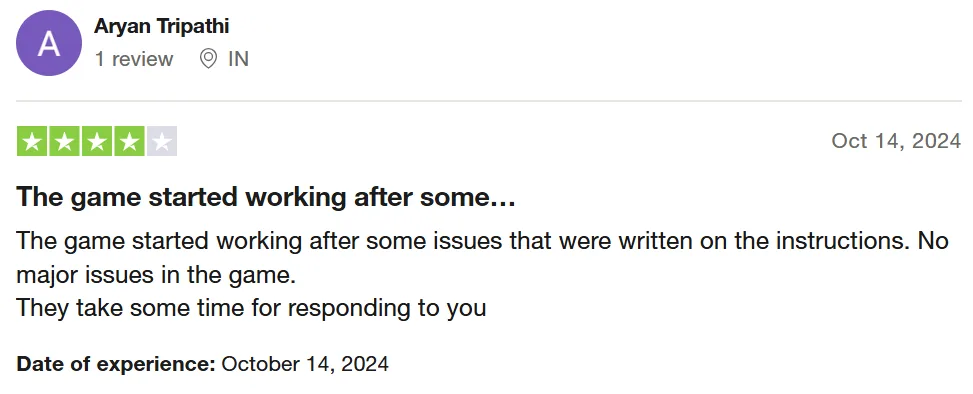
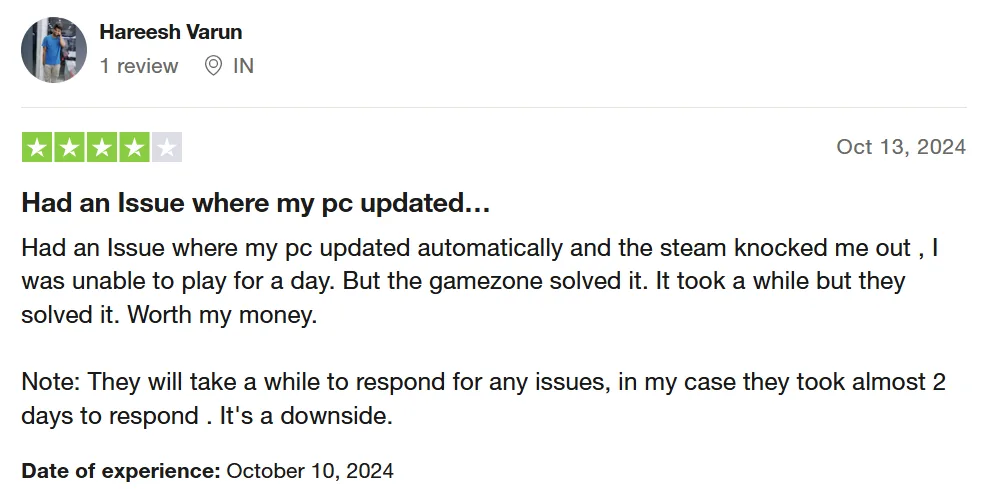
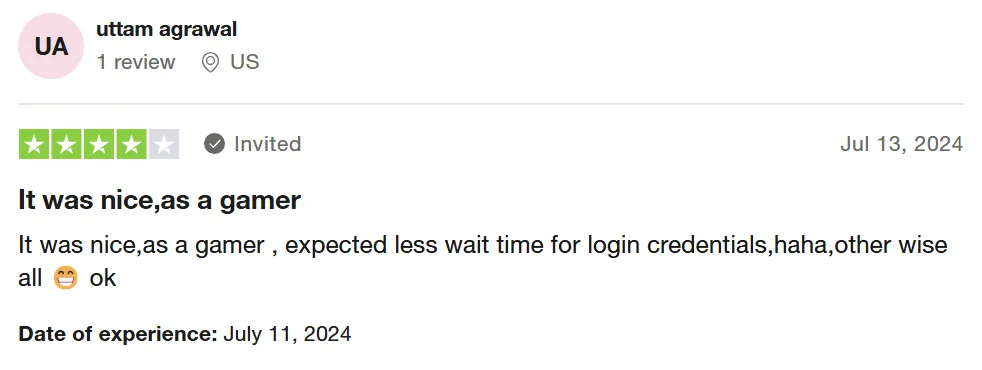
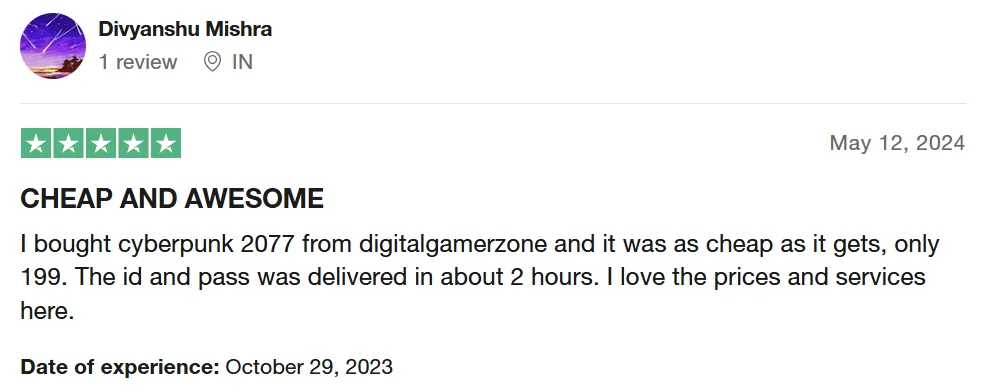
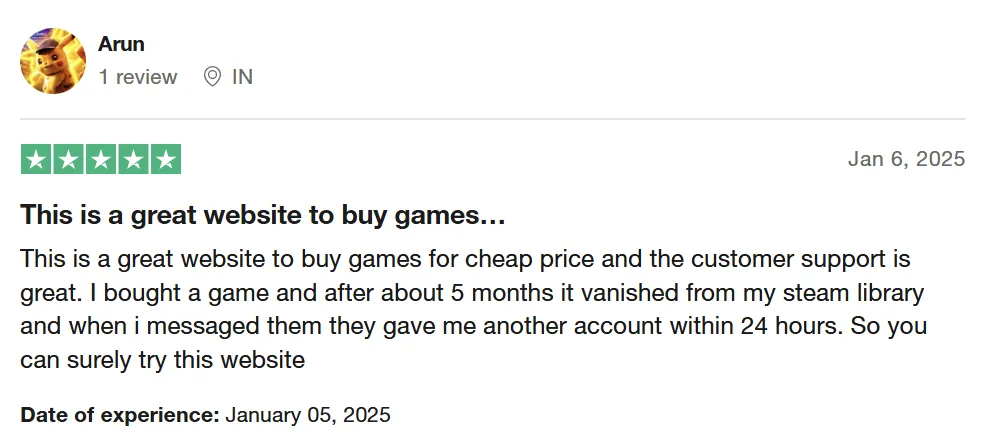
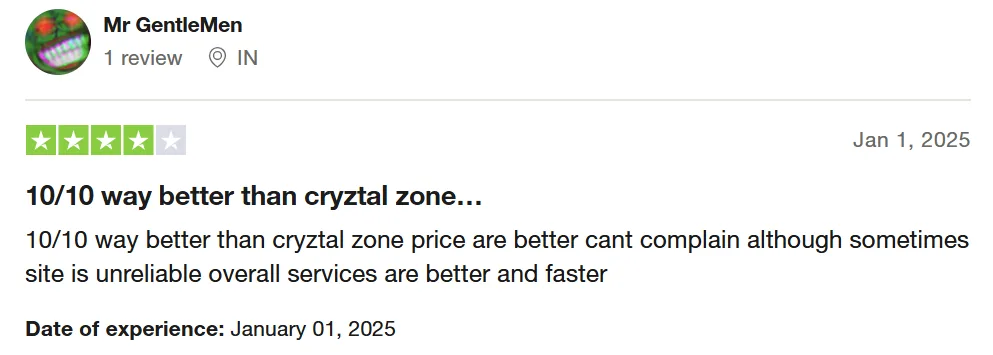
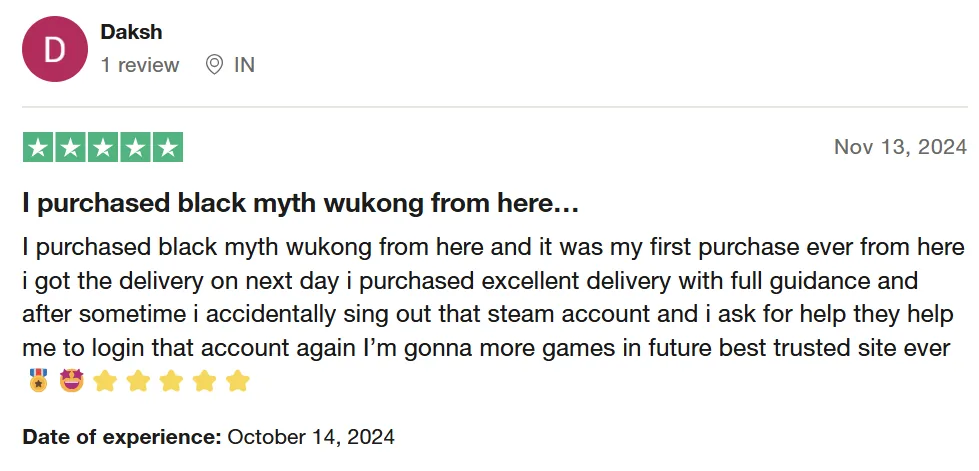
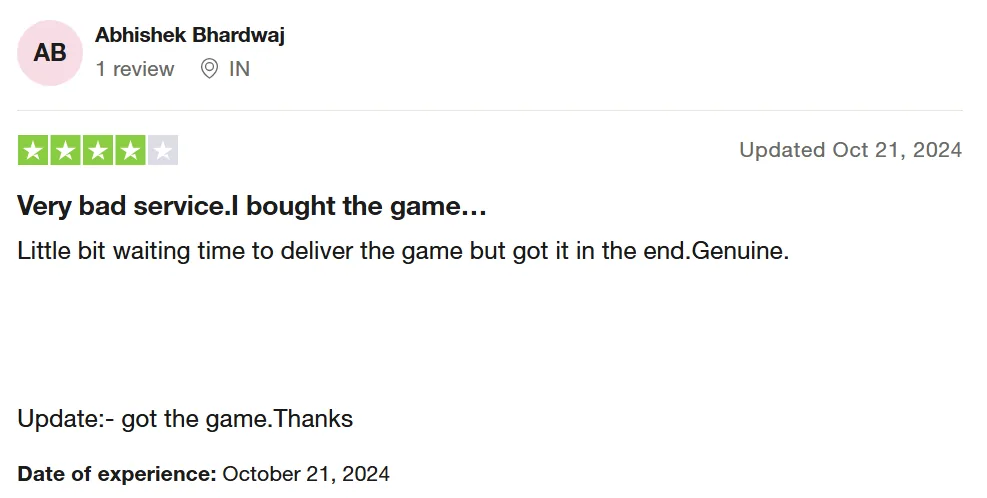
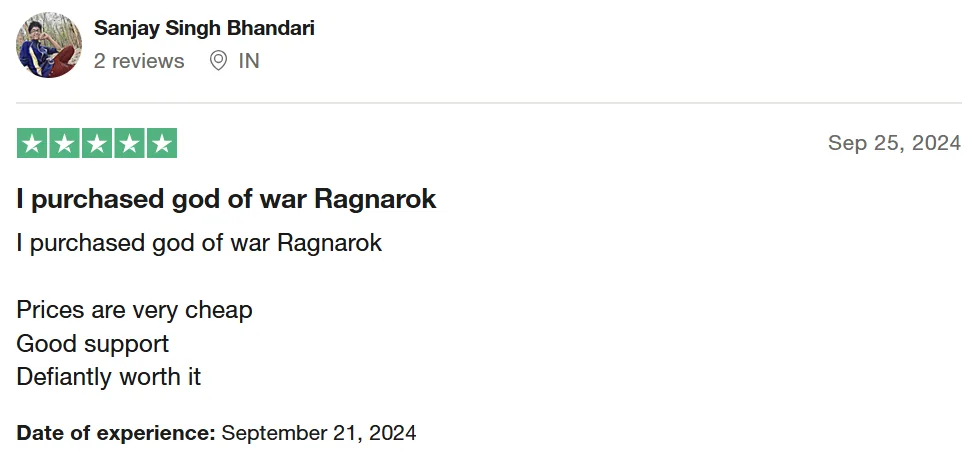
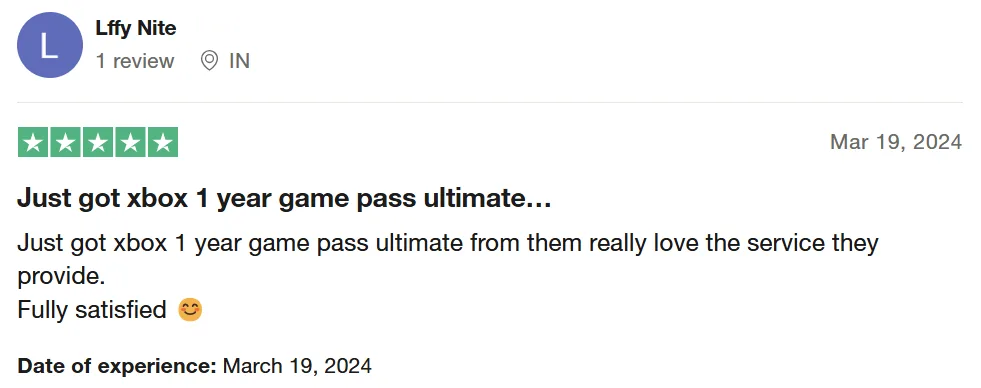
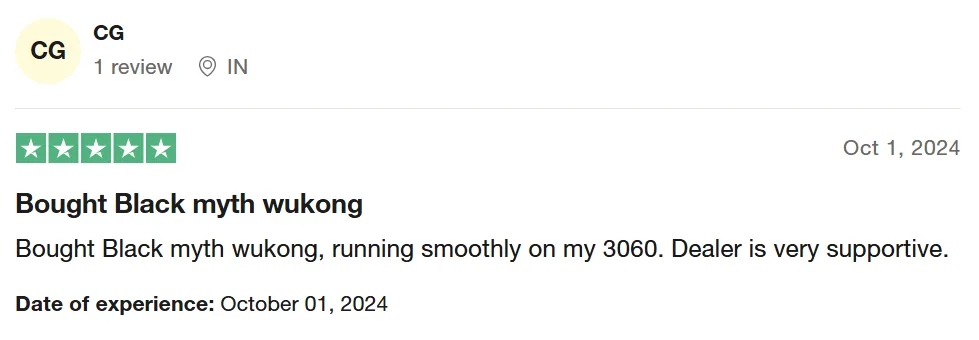
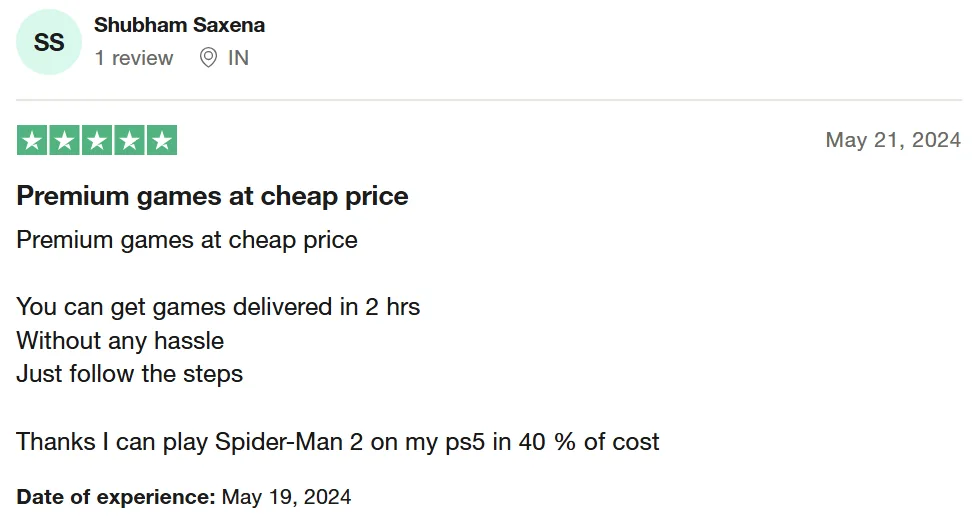
What customers say



Questions
How fast do I get it?
Right after payment we send a “View product” button on WhatsApp and email. It opens your GameZone Wallet with the login details and setup steps.
Is this my own account?
You get a ready Steam account with the game. Use it as the setup steps say and don’t change its password or email.
Can I play online?
Play in Steam’s Offline Mode as shown in the setup steps. Playing online can lock the account.
What if it stops working?
It has a lifetime warranty. Message us on WhatsApp from your wallet and we’ll fix it.
